

API Catalog
API Catalog
An API Catalog is a governed registry for organizing and publishing API Products and their access Plans. It provides a single place to manage what APIs are available, who can access them, and under what conditions.
Each catalog contains:
- API Products — Versioned, deployable API definitions backed by AsyncAPI specifications.
- Plans — Access policies that define rate limits and security settings for consumer subscriptions.
Teams typically create one catalog per domain or business unit to keep API governance scoped and manageable.
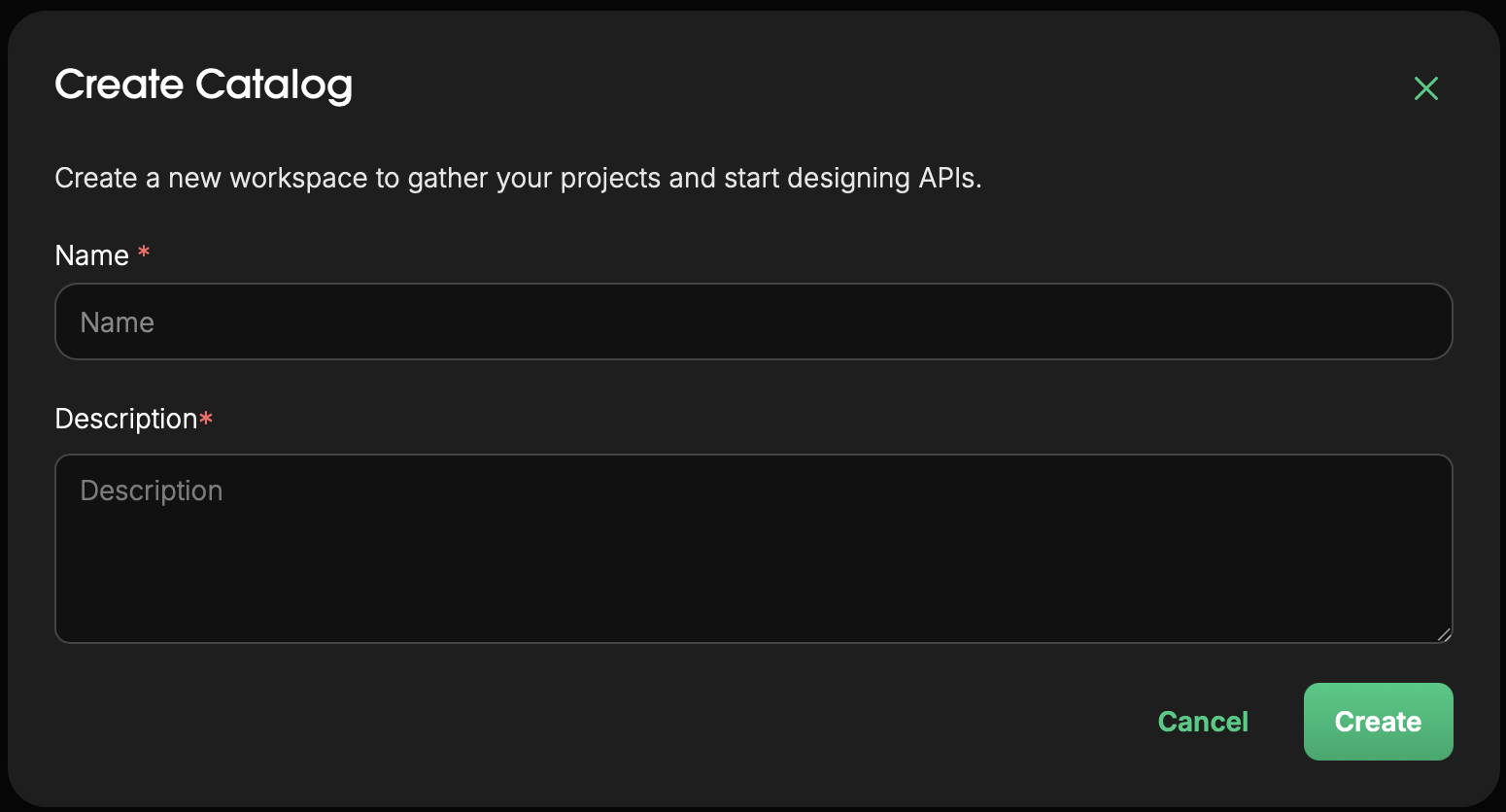
Create a Catalog
- Navigate to
API Catalogs - Click
New Catalog - Enter the catalog details:
- Name — A unique name for the catalog. Used to identify it across the platform.
- Description — (Optional) A short summary of what APIs this catalog contains and who it is for.
- Click
Create
Once created, the catalog is available for adding API Products and configuring Plans.
Manage Catalog Contents
API Products
Add API Products to expose your AsyncAPI specifications as governed, deployable APIs.
See API Products for full configuration details.
Plans
Define Plans to control how consumer applications access your API Products — including rate limits and authentication requirements.
See Plans for full configuration details.
Edit a Catalog
- Navigate to
API Catalogs → [catalog] - Click the catalog settings or edit icon
- Update the
NameorDescription - Click
Save
Delete a Catalog
Warning
Deleting a catalog removes all API Products and Plans within it. This action cannot be undone. Ensure no active deployments or subscriptions depend on this catalog before proceeding.
- Navigate to
API Catalogs → [catalog] - Click
Delete Catalog - Confirm deletion
Next Steps
- Create an API Product to publish a spec from your workspace.
- Configure Plans to define access tiers for your API Products.