Deployments
Deployments
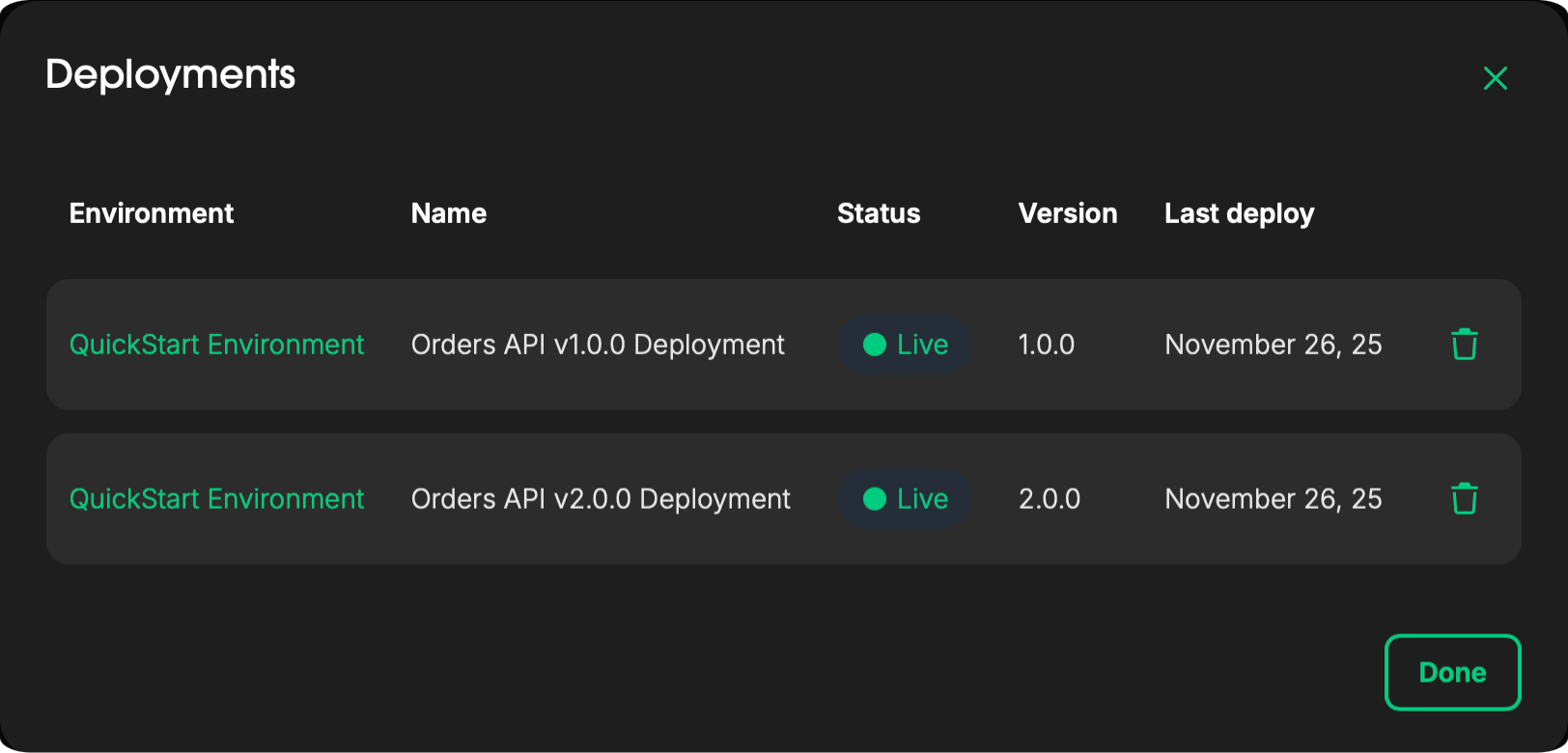
The Deployments section allows you to view, manage, and delete all API Product deployments within a specific environment.
You can monitor deployment details, check status, and manage versions directly from this view.
Deploy
Navigate to API Catalog → [catalog] → [API product] → Deploy to deploy an API Product.
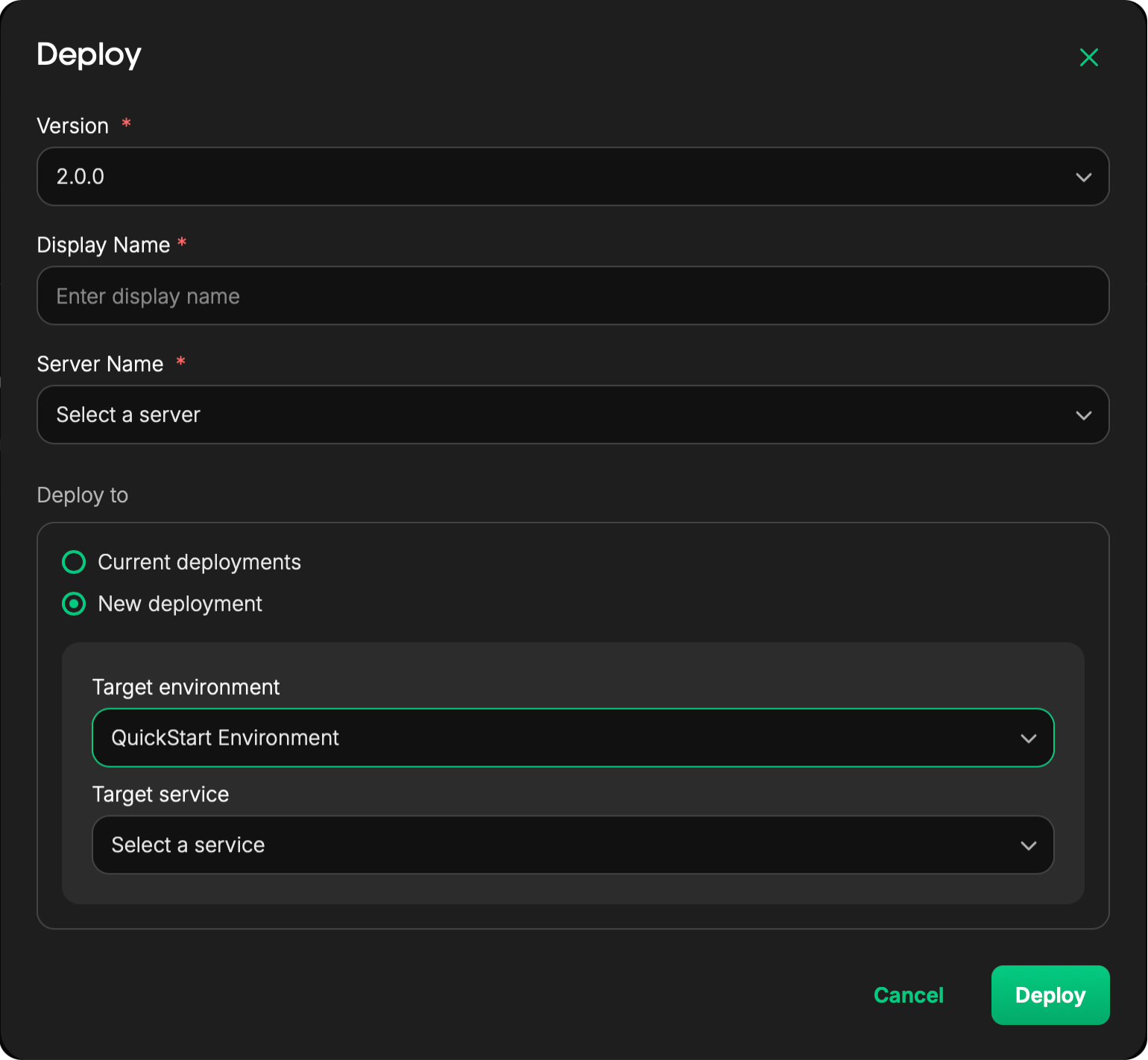
During deployment, you’ll be prompted to provide the following details:
- Version: Select the version of the API Product to deploy
- Display Name: Enter a user-friendly name for this deployment
- Server Name: Select the configured server where the API Product will be deployed
- Deploy To: Choose the target environment and target service for deployment
Once configured, click Deploy to start the deployment process.
Manage Deployments
To view or manage existing deployments, navigate to:
API Catalog → [catalog] → [API product] → Deployments
From here, you can:
- View all active and past deployments
- Check deployment versions and status
- Delete API Products as needed