

Users
Users
Users represent individual members within the platform. Users can belong to one or more teams, inheriting entitlements and permissions defined at the team level.
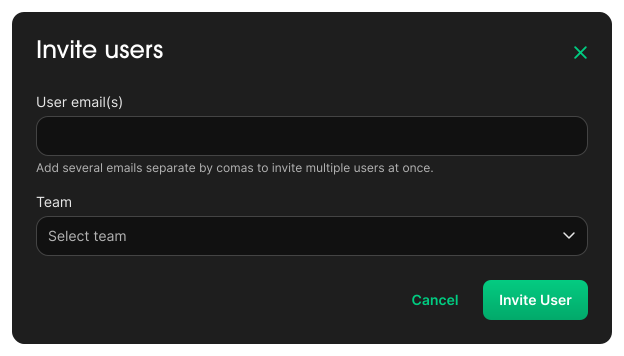
Invite User
- Navigate to
Administration → Users - Click
Invite User - Enter the User
EmailAddress(es) - Select the appropriate
Teamfrom the dropdown list - Click
Invite Userto send the invitation
Info
Invited users will receive an email with a link to join the platform. Once accepted, they will automatically inherit the entitlements assigned to their team(s).
Update User
- Navigate to
Administration → Users - Select the desired User from the list
- Update
Detailsand/orTeams - Edit user information or adjust team assignments as needed
- Click
Saveto apply the changes
Delete User
- Navigate to
Administration → Users - Select the desired User from the list
- Click
Delete team