

Teams
Teams
Teams provide a structured way to manage groups of users that share common roles, responsibilities, and access within the platform.
Each team is assigned entitlements that define what operations they can perform, which resources they can access, and the scope of their permissions.
Team Structure
A team consists of the following key components:
- Team information
- Name – The identifier for the team.
- Description – Optional text describing the team’s purpose or functional area.
- Entitlements – List of permissions assigned to the team.
- Users – The members assigned to the team.
Add Team
- Navigate to
Administration → Teams - Click
New Team - Enter the
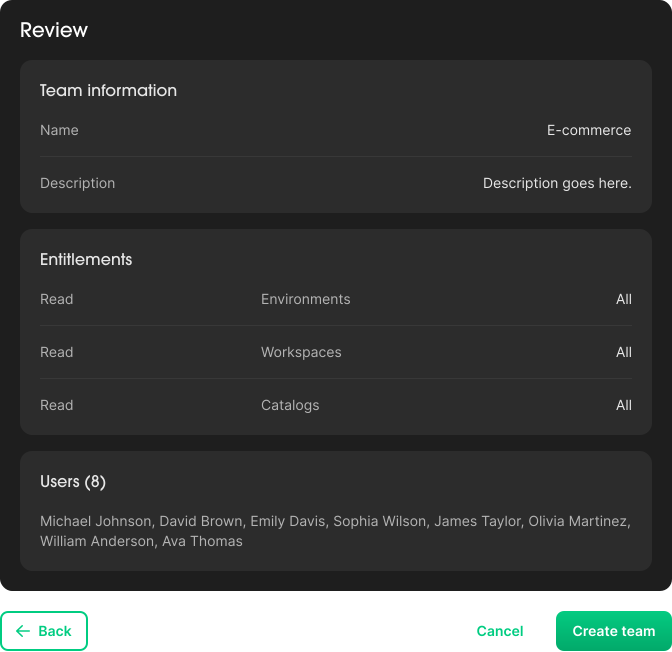
Team Information: provide aNameand optionalDescription, then clickNext step Add entitlementto define the team’s permissions, then clickNext stepAdd userto assign members to the team, then clickNext stepReviewall details and clickCreate
Update Team
- Navigate to
Administration → Teams - Select the desired Team from the list
- Update any of the following as needed:
Details: name or descriptionEntitlements: modify existing permissions or add new onesUsers: add or remove team members
- Click
Saveto apply the changes
Remove Team
- Navigate to
Administration → Teams - Select the desired Team from the list
- Click
Delete team