

Environments
Environments
Environments are the runtime domains where API Products are deployed. They bridge static API definitions and live infrastructure.
Create an Environment
- Navigate to
Environments - Click
Create Environment - Enter
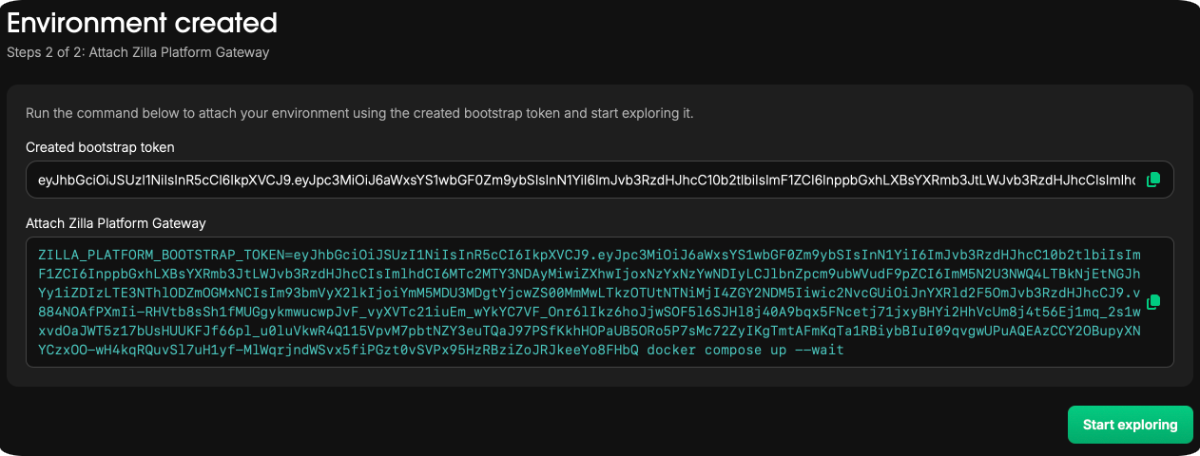
Nameand optionalDescription - Copy the generated
Bootstrap Tokenand Command (to attach a gateway) - Click
Create Environment
Deployments
The Deployments section provides visibility into all API Products deployed within a specific environment and their associated applications.
View Deployments
Navigate to Environments → [environment] → Deployments to view a list of all API Products deployed in that environment.
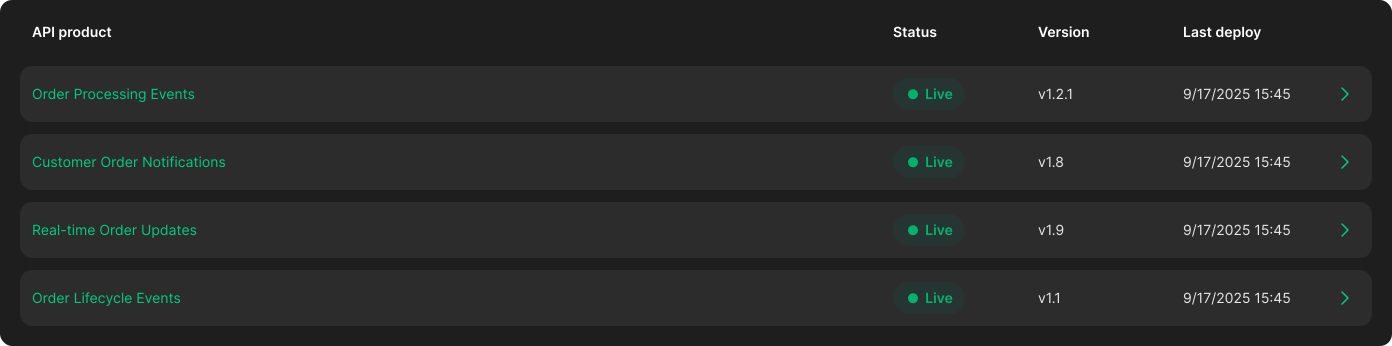
Each deployment entry includes the following details:
- API Product: The name of the deployed API Product
- Status: Indicates whether the deployment is
live - Version: The version of the API Product currently deployed
- Last Deploy: Timestamp of the most recent deployment