

Manage Specifications
Manage Specifications
The editor provides a Form-based interface that allows you to easily view and update API details without manually editing the specification code.
After an API specification has been created or extracted, you can use the workspace to manage its structure, configuration parameters, and reusable components such as servers, channels, and schemas.
Manage APIs
- Navigate to
Workspaces → [workspace] → [project] - Select the API specification you want to manage
- In the API editor, navigate through the following sections:
Servers– Define server connections, URLs, and protocol detailsChannels– Configure topics, message paths, and communication channelsOperations– Specify publish and subscribe operations for APIsComponents– Manage reusable elements such as schemas, messages, and security definitions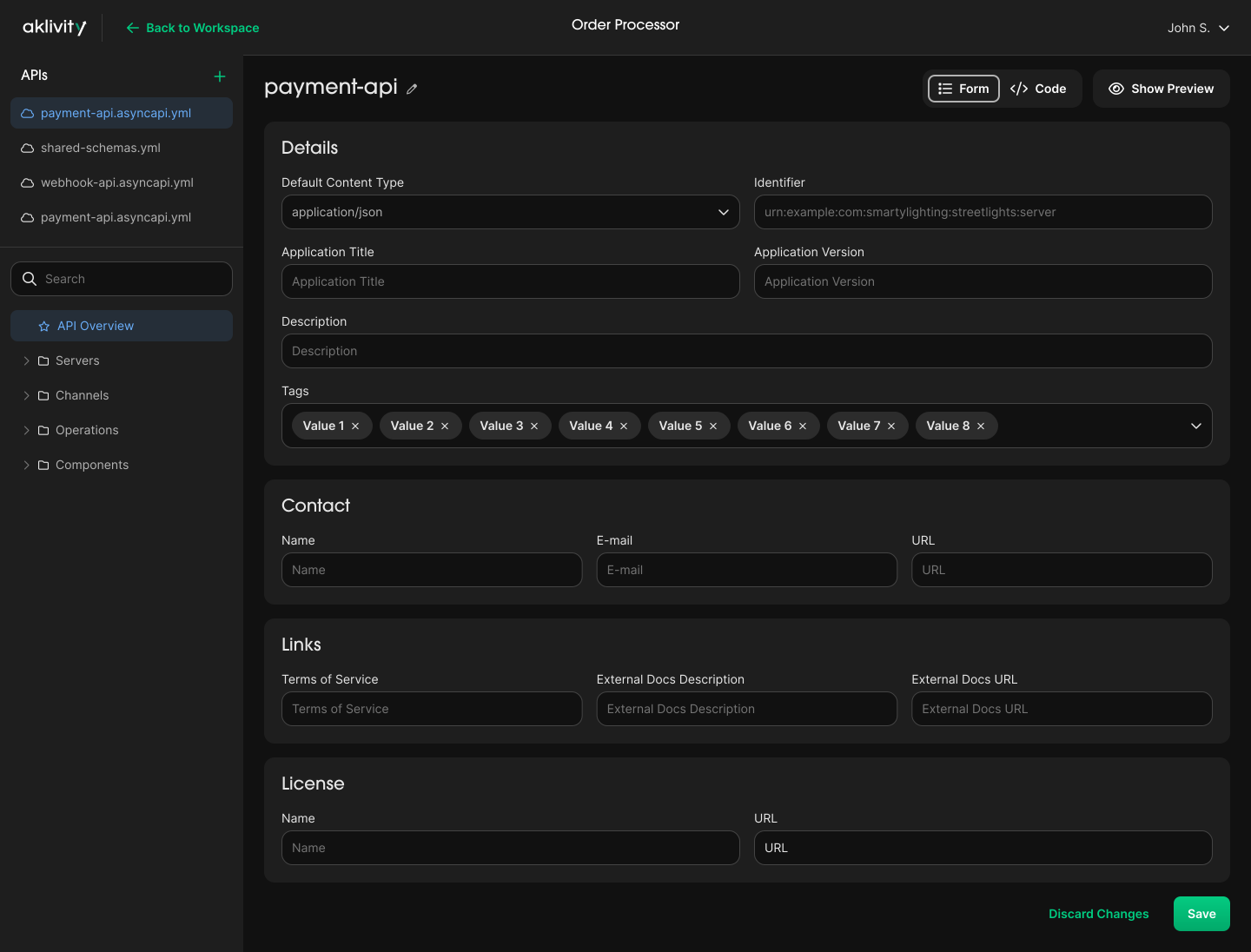
- Update the desired fields in the
Formview - Click
Saveto apply changes